
Video
Mix the video, too.
Your music videos play on the decks like any track, mixed with wipes and fades, with the master on the big screen. Or let Video AutoPlay run the screen by itself.
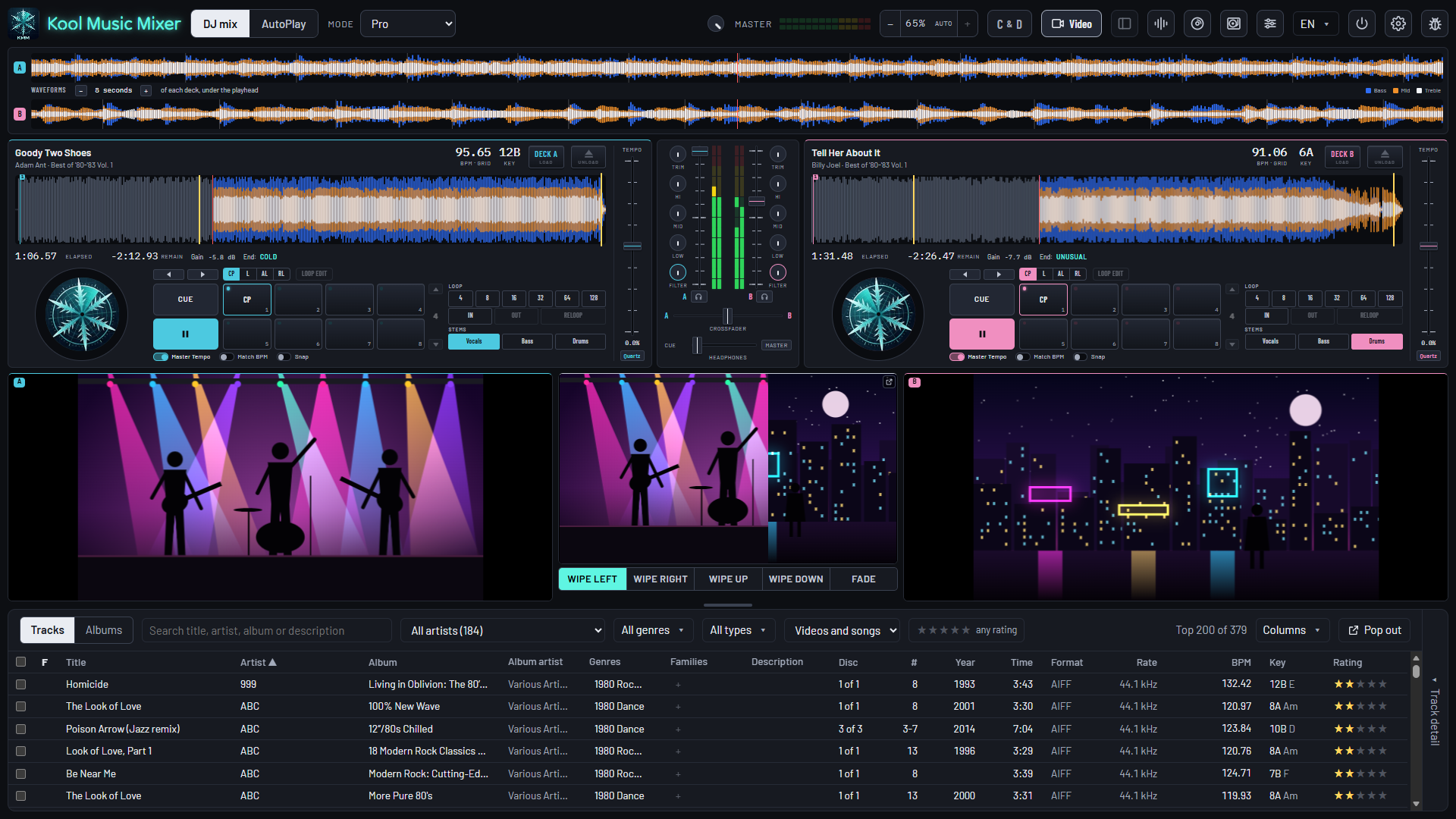
The screens are the app's own. The pictures in them are stills drawn for this page; your videos play there.
Video mixing
The picture follows the mix.
Press Video and each deck's picture shows under it, with the master large between them. Bring a deck in on its fader and its video comes in over the other.
Wipes and fades
Wipe left, right, up or down, or Fade, following the crossfader and the channel faders, from the edge you chose.
Like any track
MP4, M4V and MOV, imported with your music, measured, leveled and beat-gridded, and on the beat with Sync Start and Snap.
The picture keeps up
Cue, pads, loops and the tempo fader: the picture follows its deck.
The big screen
The mix on the TV.
Press the small key at the corner of the master picture and the mix opens alone in a browser tab, picture only.
- Drag it to a TV or a second screen and press F11.
- Every wipe and fade the master does, by your hand or by AutoPlay, the room sees.
- The sound stays the app's, through your mixer and your speakers.
Video AutoPlay
Put the videos on and let it play.
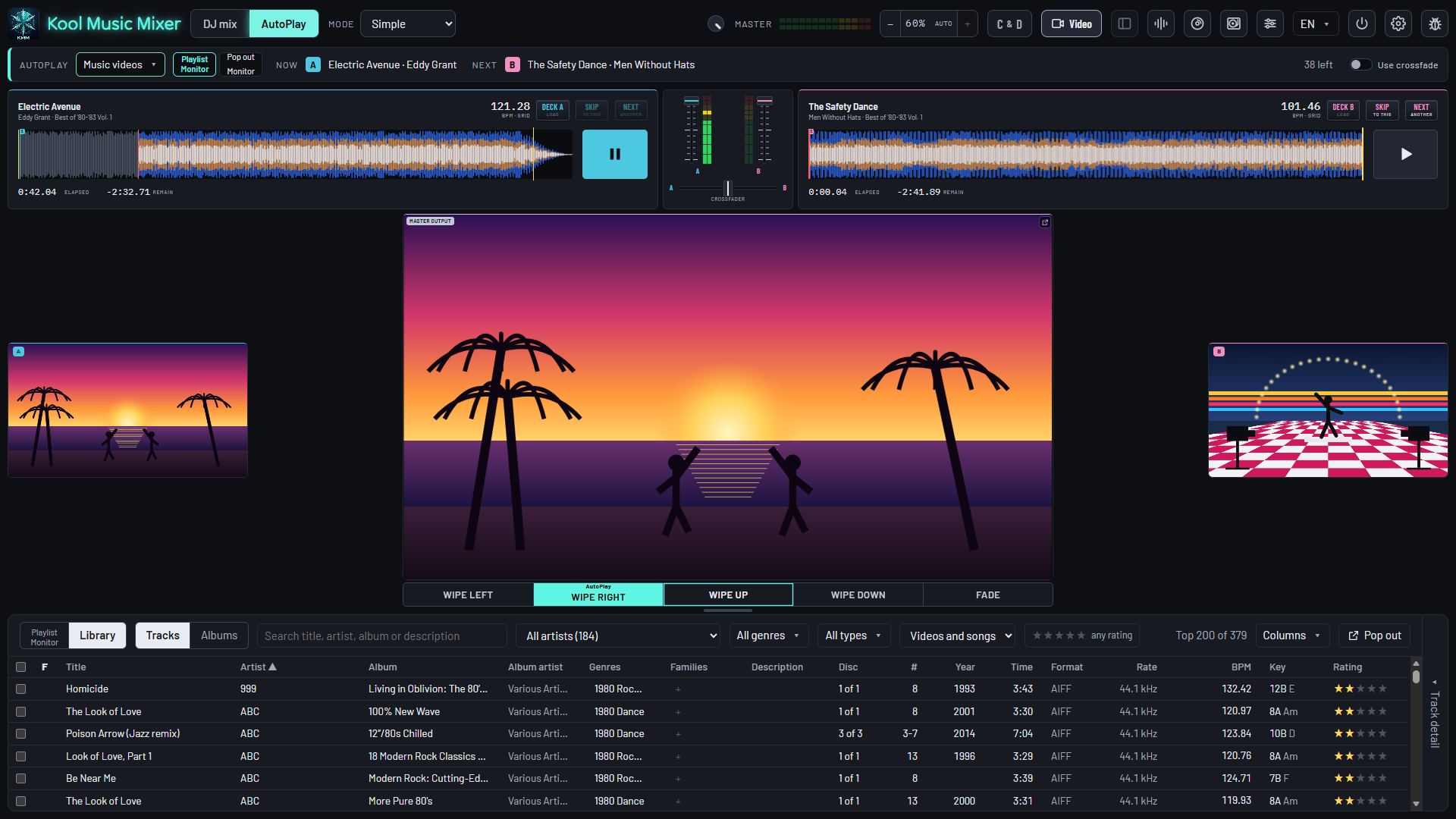
Make a playlist Video only and press AutoPlay. Your music videos play one into the next by itself, the screen laid out for watching.
- Every playlist plays Audio only, Video only, or Both.
- A transition of its own: a wipe from any edge, or a fade, taken across at each change of track.
- Want to take over? Choose Pro and the full decks come back, the music playing on.
The whole gig, in one app.
Free during the beta. Bring your music videos.