
Mix
Land on the beat. Stay there.
Two or four decks that start on the phrase and stay locked together, in key, with the parts of the song you want.
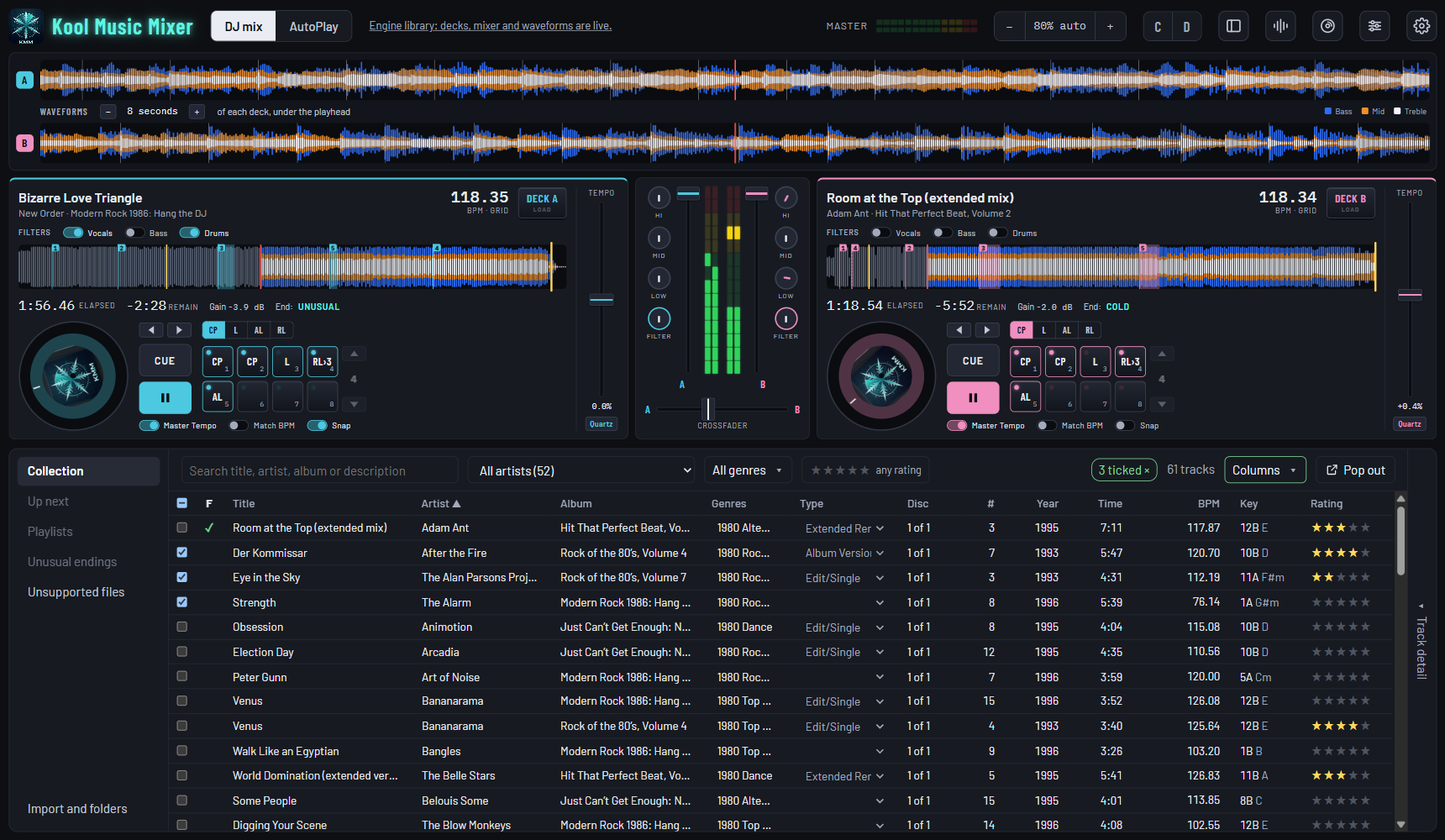
Sync Start
In on the beat, every time.
Mark where the next track comes in. Press its pad, then Sync Start. The Play key counts down the bars, and it starts to the sample, on the phrase.
- Match BPM goes on by itself, so the two keep the same tempo.
- You choose where each track starts. Not on a cue point? It says so, and starts nothing.
- Changed your mind? Press it again before the count runs out.
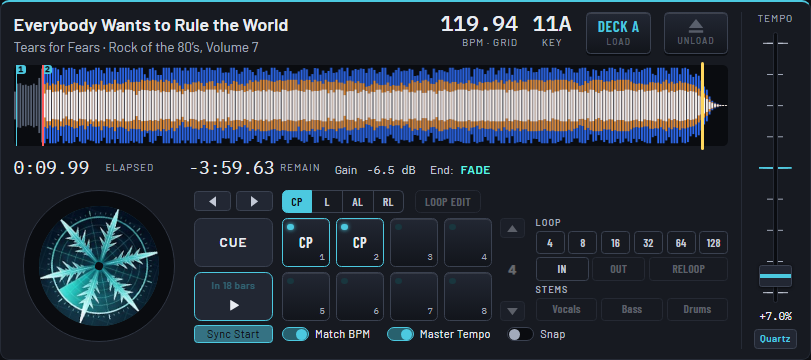
Beat lock and Snap · new in the next version
Snap is your seatbelt.
With Snap and Match BPM on, the decks are held on the beat for as long as they play together.
However you start
Sync Start, a click on Play, or Play on your controller: the beats line up.
Held all the way
Not just lined up at the start: kept on the beat for the whole overlap.
Fly without it
Snap off, nothing holds them. Play starts exactly where and when you press it.
Match Key
No more clashing keys.
Match Key moves the incoming track two semitones at most, onto a key that mixes with what is playing: the same, its Camelot neighbor, or its relative.
- The key as heard on the deck: 3A → 10A.
- Nothing close enough? It says "No close key" and leaves it alone.
- A live drummer? Match BPM follows a band's tempo beat by beat, so a 1983 rock record stays locked to a steady dance track.
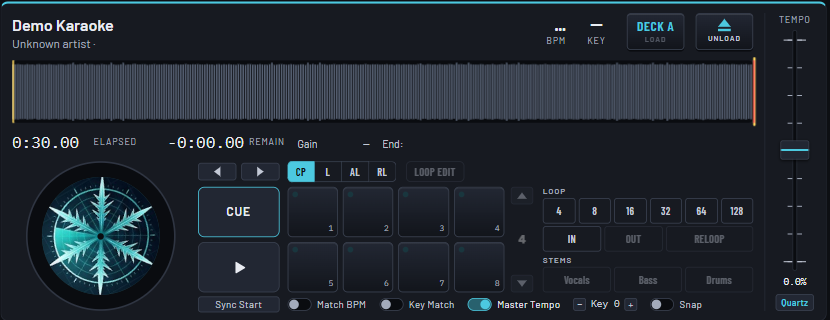
Stem separation and vocal remover
Take a song apart.
Vocals, Bass, Drums: three keys on every deck. Press one and that part is gone. Press it again and it returns, mid-song, without a click.
- Sing over the instrumental, or put one song's vocal on another's beat.
- Done ahead of time so it sounds clean. You choose which tracks: by genre, playlist, rating, or a right-click.
Stems need the free filters add-on, downloaded separately, and a PC with 8 GB of memory.
Stems, in the manual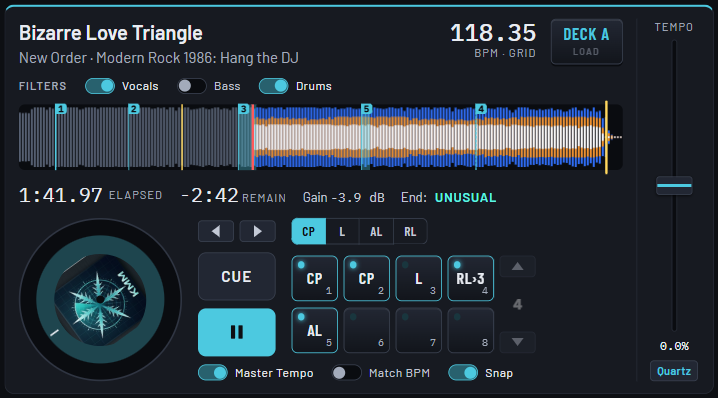
Pads, loops and tempo
Everything under your fingers.
Eight pads a deck
Cue points, loops, and loops that fire by themselves.
Beat loops
4 to 128 beats at one press, with IN, OUT and RELOOP.
Tempo, pitch kept
Change the tempo and keep the pitch. One press of Quartz and it is back.
DJ controllers
Hands on.
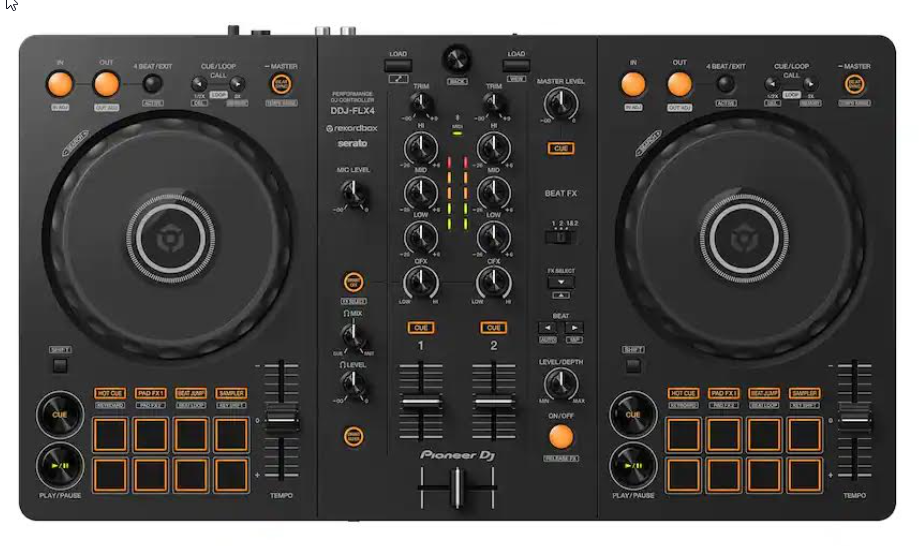
A Pioneer DDJ-FLX4 works out of the box. More than 50 other Pioneer DJ, Denon DJ and Roland controllers have a basic map: their basic functions should work on plug-in, and may need fine-tuning.
- Basic only: such as channel faders, crossfader, EQ, Play, Cue, tempo and hot cue pads, as far as the maker's MIDI list allows. Fine-tune any control with Teach this board again on the Controllers page.
- Any other MIDI controller can be taught, control by control.
- No controller? A mouse and keyboard run it all.
Mix it on the beat.
Free during the beta. Register, download, and load your first two tracks.